Parcel delivery scam texts: how to spot a fake Royal Mail, Evri or DPD message
Got a text asking for a small redelivery fee? How to spot a fake Royal Mail, Evri or DPD message, where to report it and what to do if you paid.
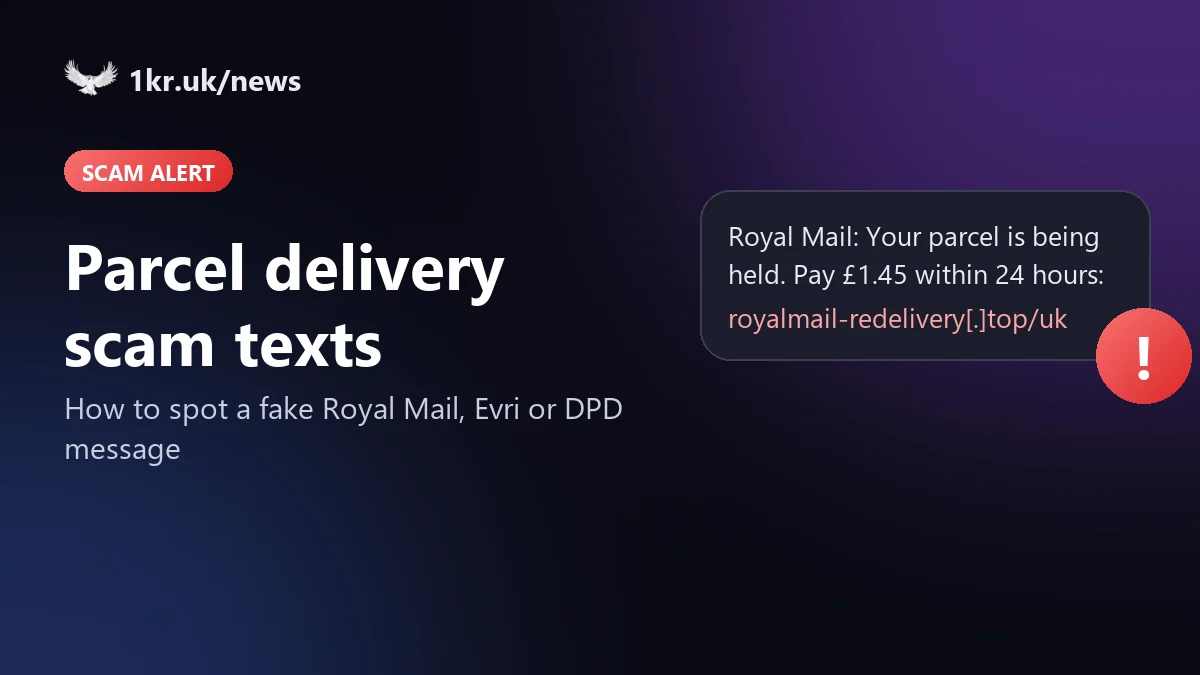
The text says a parcel couldn't be delivered, or is stuck at a depot, and you need to pay a small fee to get it. It names Royal Mail, Evri or DPD and links to a page that looks exactly like theirs. It's one of the most common scam texts in the UK, and it works because most of us are waiting for a parcel at any given moment.
What the scam text looks like
The wording changes every few weeks, but the shape stays the same: a delivery problem, a small amount and a link. Two examples, made up for this article:
The Evri example copies a real scam that asked for a £1.45 redelivery fee. Which? has reported a DPD version that links to a convincing copy of the DPD website asking for personal details and a small redelivery fee.
How to tell it's fake
- Royal Mail says it doesn't ask for payment by text or email. The one exception is a customs fee, and then the postie also leaves a grey card saying there's a Fee to Pay before they can release the item.
- Evri says it never charges for redelivery. It tries to deliver three times before returning a parcel to the sender.
- The link doesn't go to the courier's own website. Read the address carefully: scammers often add a word to the brand name, as in the fake Evri site evri-redelivery[.]com.
- The amount is small on purpose. Paying £1.45 doesn't feel risky, but the page asks for your full card details to take it.
- There's a deadline ("within 24 hours", "today") so you act before you think.
If you want to check a real tracking number, type the courier's website into your browser yourself or open their app. Royal Mail lets you check a tracking number at royalmail.com/track-your-item.
If you'd rather not check every text yourself, 1krBlocker runs these checks on your Android phone automatically and holds suspicious texts back before you see them.
What to do with the text
- Don't tap the link and don't reply.
- Forward the text to 7726. It's free, and your mobile network uses it to investigate the sender and act on it.
- If it uses Royal Mail's name, you can also send the details to reportascam@royalmail.com. For Evri, send a screenshot to phishing@evri.com.
- Then delete it.
Already entered your card details?
Call your bank straight away, using the number on the back of your card, and ask them to block it. You can also call 159, which connects you to most UK banks' fraud teams.
If you lost money, report it to Report Fraud at reportfraud.police.uk or on 0300 123 2040. It replaced Action Fraud and covers England, Wales and Northern Ireland; in Scotland, call Police Scotland on 101. Your bank may ask for the crime reference number when you claim the money back.
How 1krBlocker handles these texts
1krBlocker is an Android SMS app that checks every text on your phone before it reaches your inbox. A message that mixes a delivery problem, a payment and a link to an unknown website is held in quarantine instead of popping up as a normal notification. Tap "Why?" and it shows what looked wrong: the fee, the deadline, the look-alike address. Links never open on their own; you always see where one really goes first. If you want to report the text, 1krBlocker forwards it to 7726 after you confirm.
No filter catches every scam, so the checks above are still worth knowing.